MVSIC
Play your music files, on all your devices:
Mac, iPhone, iPad.
No subscription, no uploads, no calling home.
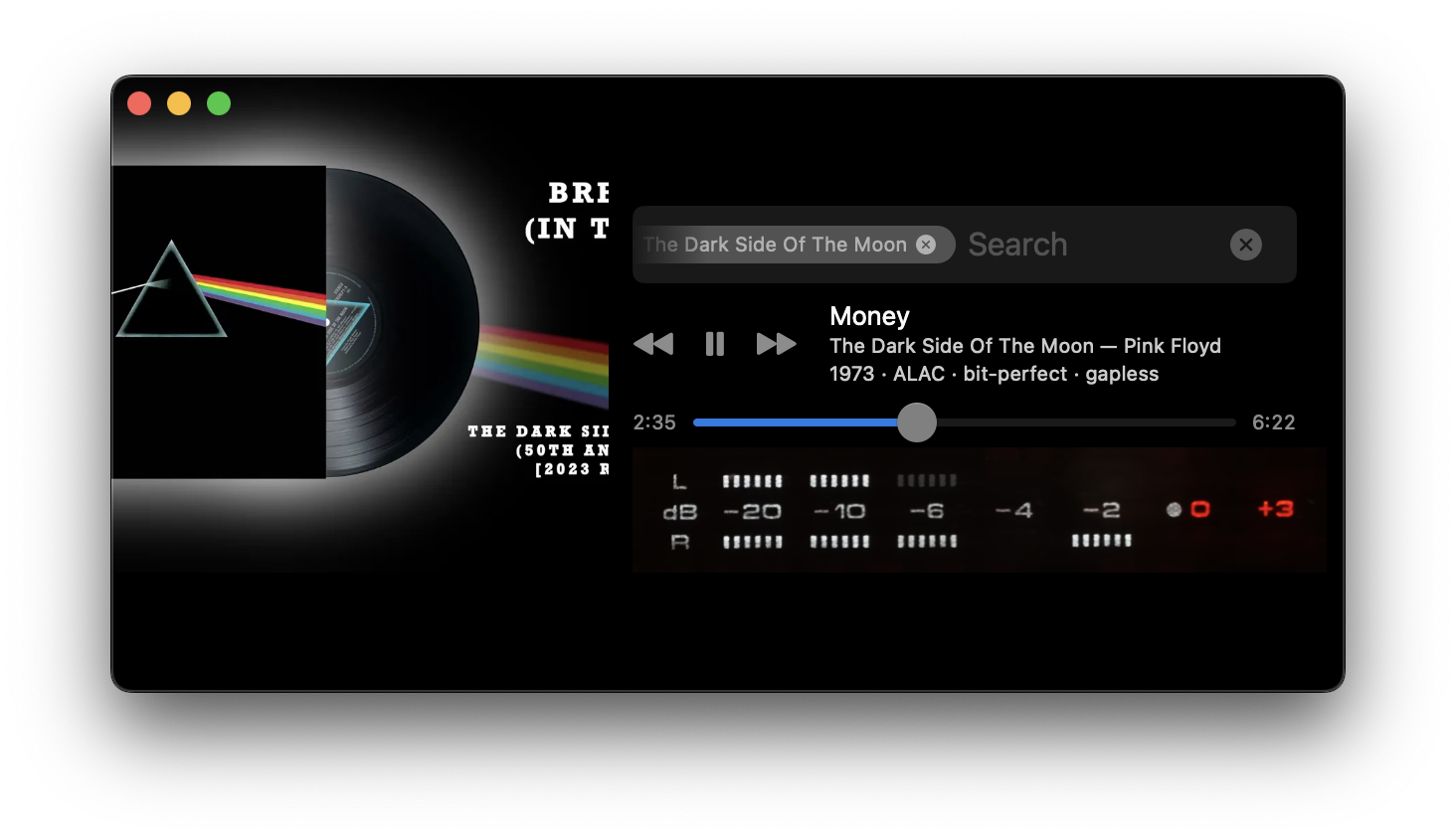
Mvsic is the easiest way to run a music server on a Mac and connect your iPhone.
Start the app, add your music folder.
10 Seconds later and you are ready to play your music on your Mac and iPhone.
How it works
- Open Mvsic on your mac, point at your files. 10k files are scanned in 10 seconds.
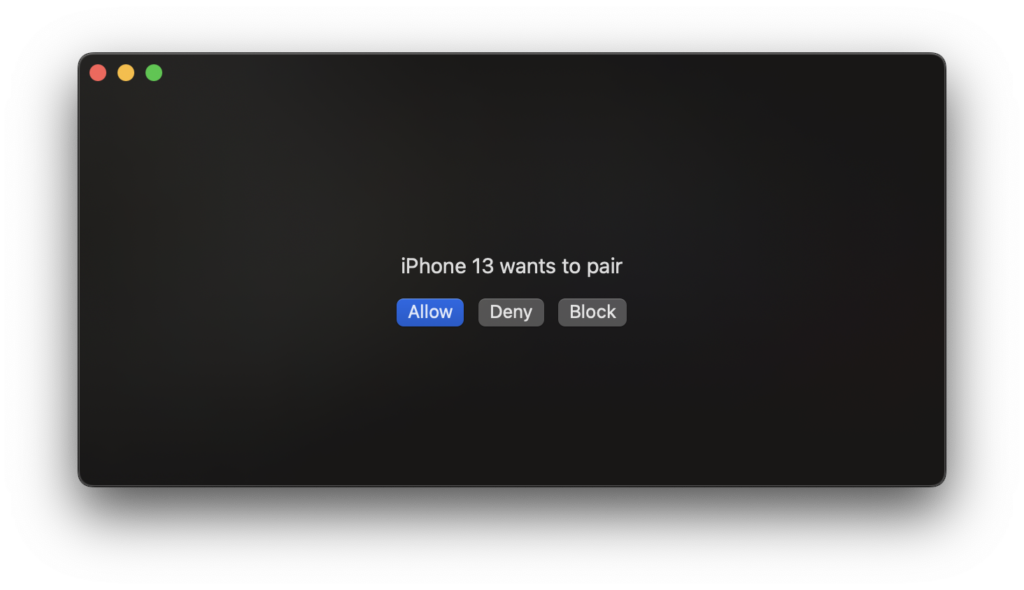
- Open Mvsic on your phone. Pick your Mac. Pair. No password, just works.
- Play. Under 30 seconds later and you’re listening to your music.
What you get
- Gapless, bit-perfect playback, sample rate/bit depth adjustment, exclusive/hog mode. Built on our own audio engine.
- High resolution audio — Up to 32-bit float 384 kHZ.
- Formats: ALAC, FLAC, AAC, MP3, WAV, AIFF, CAF.
- Your whole library: Meta data, artwork read from the files
- Offline mode: mark playlists and albums to always keep on the phone and they play on the train, in the plane, on the hike.
- Search so fast, it invites to be the navigation.
- Low CPU footprint. Typical 4% usage with window, 1% minimized.
DETAILS
Hotfolder. Your library in a hotfolder that watches for any changes. Meta data, structure, file names — all is noticed in real time, without any problems.
Best Search in class. Type, search, stack scoped filters, navigate all by keyboard. Find tracks by year, file type, bitrate, BPM, format. FAST. No waiting, no spinning circle.
Offline mode. Download your playlists, artists, albums, and keep them playing when the network share is gone or you take your phone on a hike.
Requires macOS 13+ or iOS 17+
OPEN STANDARDS, IMPROVED
Open standards. The integrated OpenSubsonic server allows third party apps to connect, download, remote control.
The OpenSubsonic compatible client in the Mac app and iOS app allow to connect to other servers you already have. Navidrome, Ampache, and so on.
But improved.
The Mvsic iPhone app and the Mvsic server on Mac extend the OpenSubsonic standard with numerous extensions, where I see gaps.
Examples are instant push communication with incremental updates instead of constant polling of the whole library. It is faster, saves bandwidth, and battery.
Or actions that can be executed on the server instead the phone — like copying a long playlist, which is instant on the server — instead of multiple calls with a full library sync from the phone.
Philosophy
Native only. Mvsic is Mac & iOS focused only. This means native, small, and highly performant apps — The Mac app is only 23 Mb, the iPhone app 16 Mb.
Spotify app on the Mac is — as of this writing — 410 Mb big.
This native approach allows me to focus on the system specific strengths in performance and user interface.
Less but better. I believe nobody uses 12 different cloud services and 7 media servers at the same time to host their files. Mvsic offers less but what it does works really well.
This means there is less baggage, a cleaner interfaces, faster development cycles. The system is faster and more stable.
High performance, low energy consumption.
The native development lets me use the best tools to monitor and optimize performance and power consumption. The result: The iPhone app has an energy impact of the lowest category, barely showing up in the chart.
Yes, even the use of large black areas play a part in this:
A black screen uses far less energy since the iPhone uses OLED
CLOSED BETA
Mvsic is currently in closed beta.